Someone wants to buy their parents dinner for Christmas. They like your restaurant, but they’re on their phone and have five minutes to sort it. Can they find a voucher, see what it covers and buy it without ringing you during service? That’s the first test I’d run before spending any time promoting it.
In Sheffield, the Christmas Market runs from 12 November to 24 December 2026. With festive shopping already under way, this is a good week to make your vouchers easier to buy online and at the till.
Choose a voucher people can picture giving
A round-pound voucher gives the recipient flexibility. An experience voucher, such as afternoon tea for two or a tasting menu, gives the buyer something specific to put in a card. Start with whichever is easiest for your team to redeem. If you sell both, explain the difference on the purchase page in one sentence each.
Test the voucher checkout on your phone
Start at your Instagram bio or homepage and get all the way to checkout. Give vouchers a clearly labelled link. Show the price, how delivery works and when and how the recipient can use the voucher before someone pays. If a deposit is still required to reserve a table, say so up front. JÖRO’s Sheffield restaurant FAQ is a local example of explaining how a deposit works with a voucher booking.
Give each Christmas voucher email one job
- Launch. Show what the recipient gets and why it makes a good gift. Link directly to the voucher page.
- Physical voucher cut-off. Tell people the last date they can order for post or collect in person, with hours and location.
- Last-minute gift. If digital vouchers arrive by email, explain when they’ll arrive and how the buyer can give them.
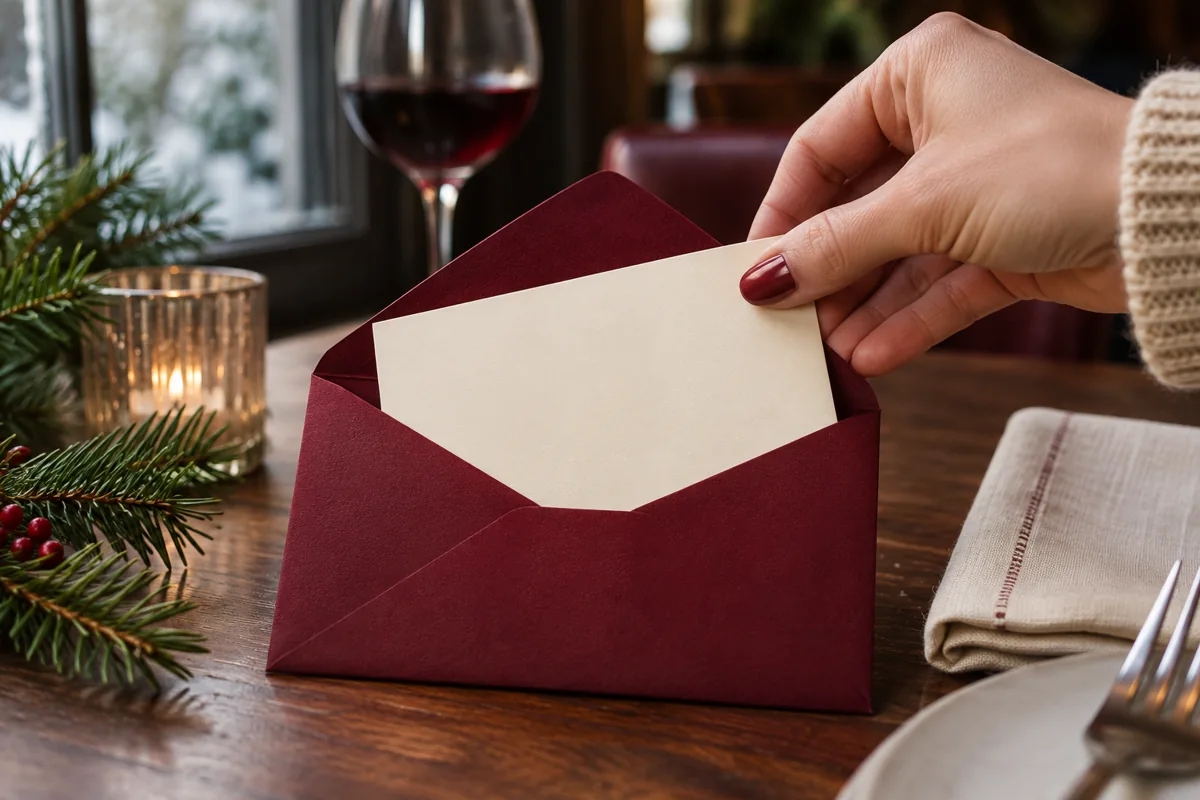
Give each send one primary button, such as “Buy a gift voucher”. For social, film someone slipping the voucher into an envelope or serving the dish the recipient could enjoy. Put the purchase link where viewers can reach it. See these restaurant content ideas for simple shots to try.
Give front of house a 30-second briefing
Before the first busy shift after launch, make sure everyone knows where the vouchers are kept, how to sell one at the till and what to say about any date restrictions. Pop a small sign next to the till or add a line to the bill wallet. “Gift vouchers available here” is enough if the team knows what to do when someone asks.
Count sales and redemptions separately
Use tagged links for email and social where your checkout supports them, and keep a tally of physical vouchers sold at the till. After Christmas, check when vouchers are redeemed and which services they bring people into. If you’re also planning a midweek push, see my January marketing ideas for restaurants and cafés.